Aqua Elixir
Game prop concept
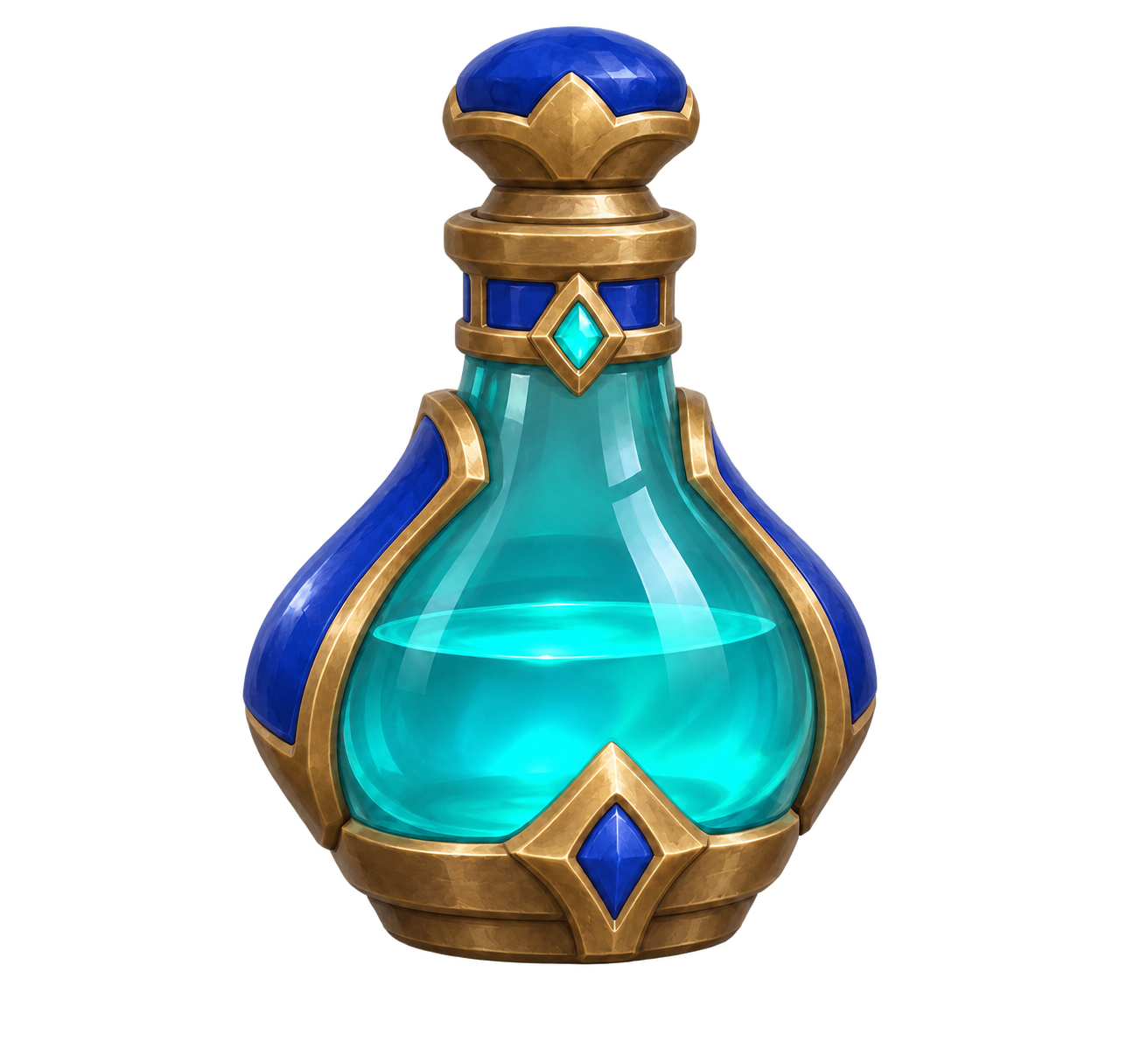 Source image
Check topology, UVs and performance before using in a game engine.
Create a 3D draft from one image, preview it in the browser, then refine it for game props, product visuals, or print concepts.
Preview the generated GLB in your browser. Results vary with the image and provider; check the model against your game or print requirements.
Drop an image here or click to browse
Supports PNG, JPG, WebP up to 15MB
Browser preview
Orbit the generated model
Visual draft
Detail varies by input image
Check before printing
Walls, watertightness, slicing
Universal
Export, then import to your tool
Switch between three generated pairs. Treat each result as a draft and check it for your engine or printer before production.
Triangle count
37,734
Model format
GLB
Use case
Game prop concept
Review before use
Topology, UVs and runtime cost
Each case shows the exact input image and its GLB result. Preview the model or send the source image to the studio.
Game prop concept
Source imageCheck topology, UVs and performance before using in a game engine.
Product visualization
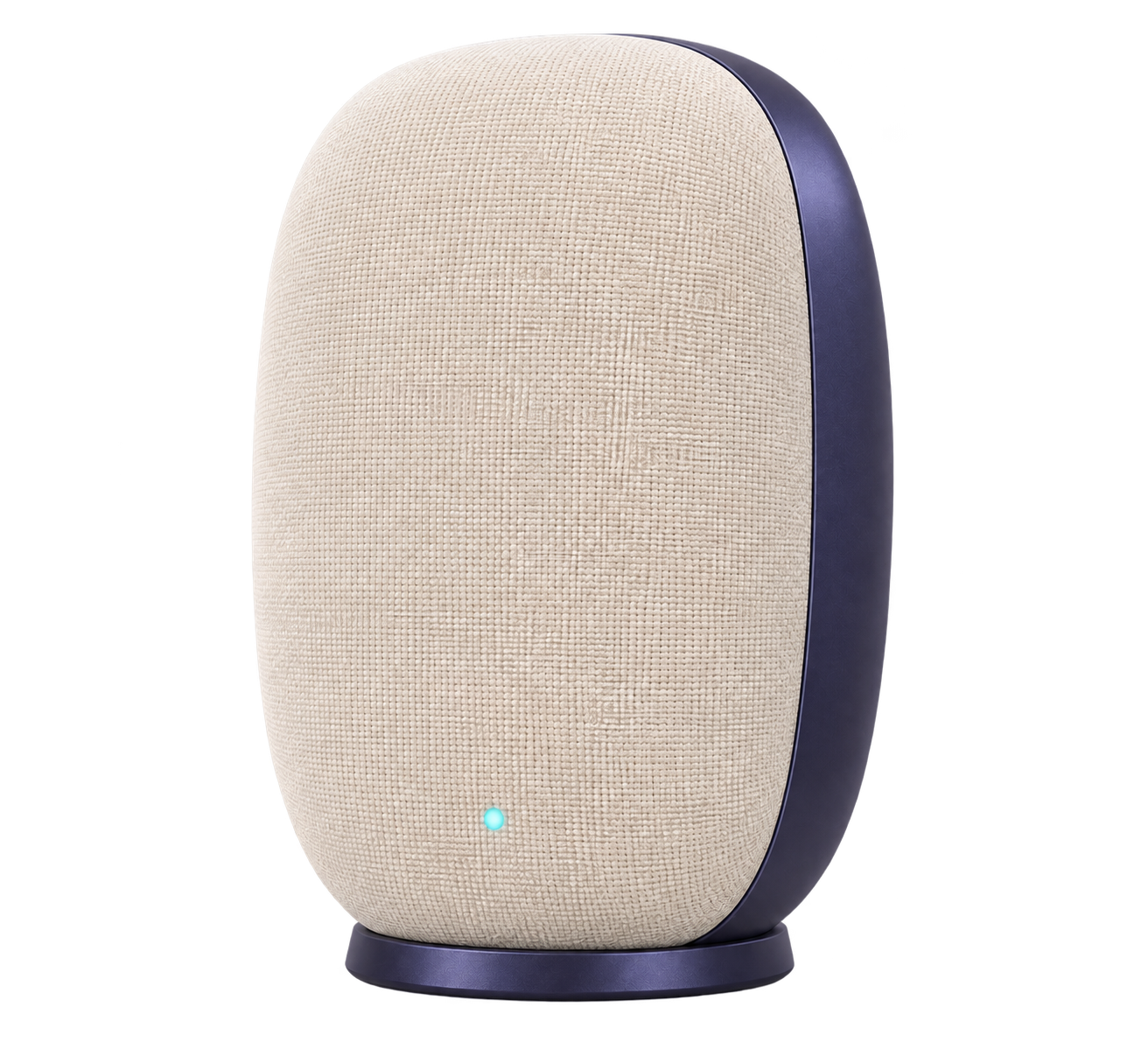 Source image
A visual draft for product direction. Confirm dimensions and materials separately.
3D printing concept
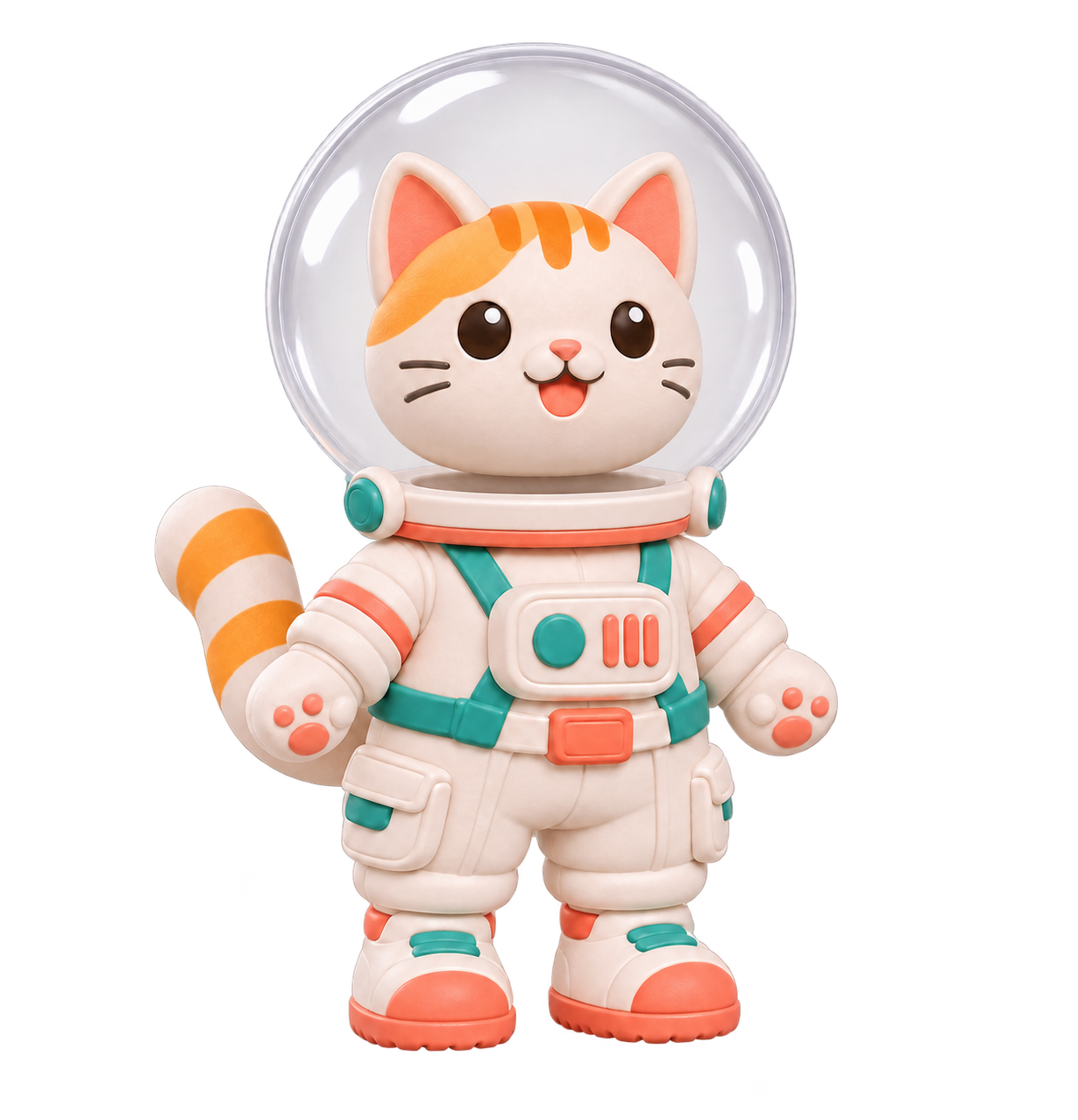 Source image
Concept only. Check watertightness, wall thickness, overhangs and slicer output before printing.
Orbit the result in your browser and switch display modes. Generation time and detail depend on the provider and input image.
Appearance depends on the generated result. Inspect the surface in different display modes and tune materials for your project.
Use the GLB as a game prop prototype. Check scale, pivot, UVs, polygon count, and materials for your target platform.
Generated results are print concepts. Verify watertightness, wall thickness, overhangs, orientation, and slicer output first.
Native support for GLB, OBJ+MTL, STL, and USDZ for Apple Vision Pro and iOS AR Quick Look viewing.
Start with image reconstruction, then review and refine the model for its target workflow.
Upload a centered product photo, concept image, or illustration with a clear silhouette.
The configured image-to-3D provider returns a model for browser preview. Detail varies with the input image and generation settings.
Preview the model, inspect its surface, then download the formats available for that result.
Quick drafts cost 20 credits. Premium PBR tiers (150 / 300 credits) unlock with any paid plan. Pay per credit or subscribe — failed generations are refunded automatically.
Starter
For trying out image-to-3D
Pro
For creators shipping assets
Enterprise
For studios and teams
Everything you need to know before getting started.
Upload your first image and watch it become a 3D model — preview it in your browser and export it wherever your project needs it.